




Social Post
Podcast Clip Caption Frame
Best for turning podcast moments into caption-led social clips.
Real Graphixy projects, not mockups. See the finished videos and the creative workflows behind them.
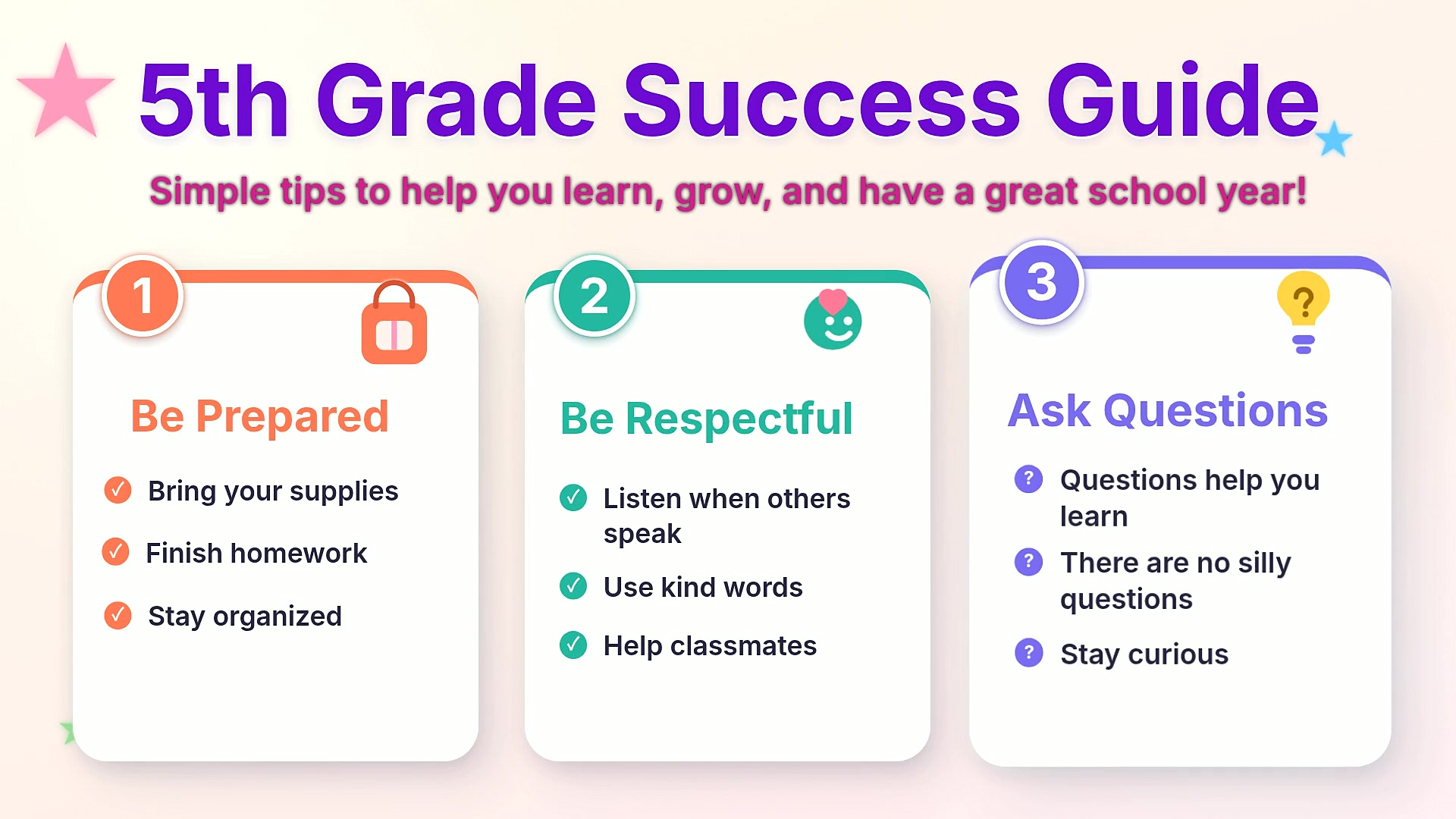
A polished educational infographic designed for classroom-friendly explanations and student success tips.
A launch-ready promo for introducing an app, highlighting the product story, key value, and social-ready motion.
A polished ecommerce ad for product launches, seasonal promos, and social campaigns.
A thoughtful quote video styled for educational posts, classroom inspiration, and shareable social content.
A documentary-style sports story built for World Cup preparation, national context, and shareable fan education.
A bright local giveaway promo designed for community events, contest awareness, and social sharing.
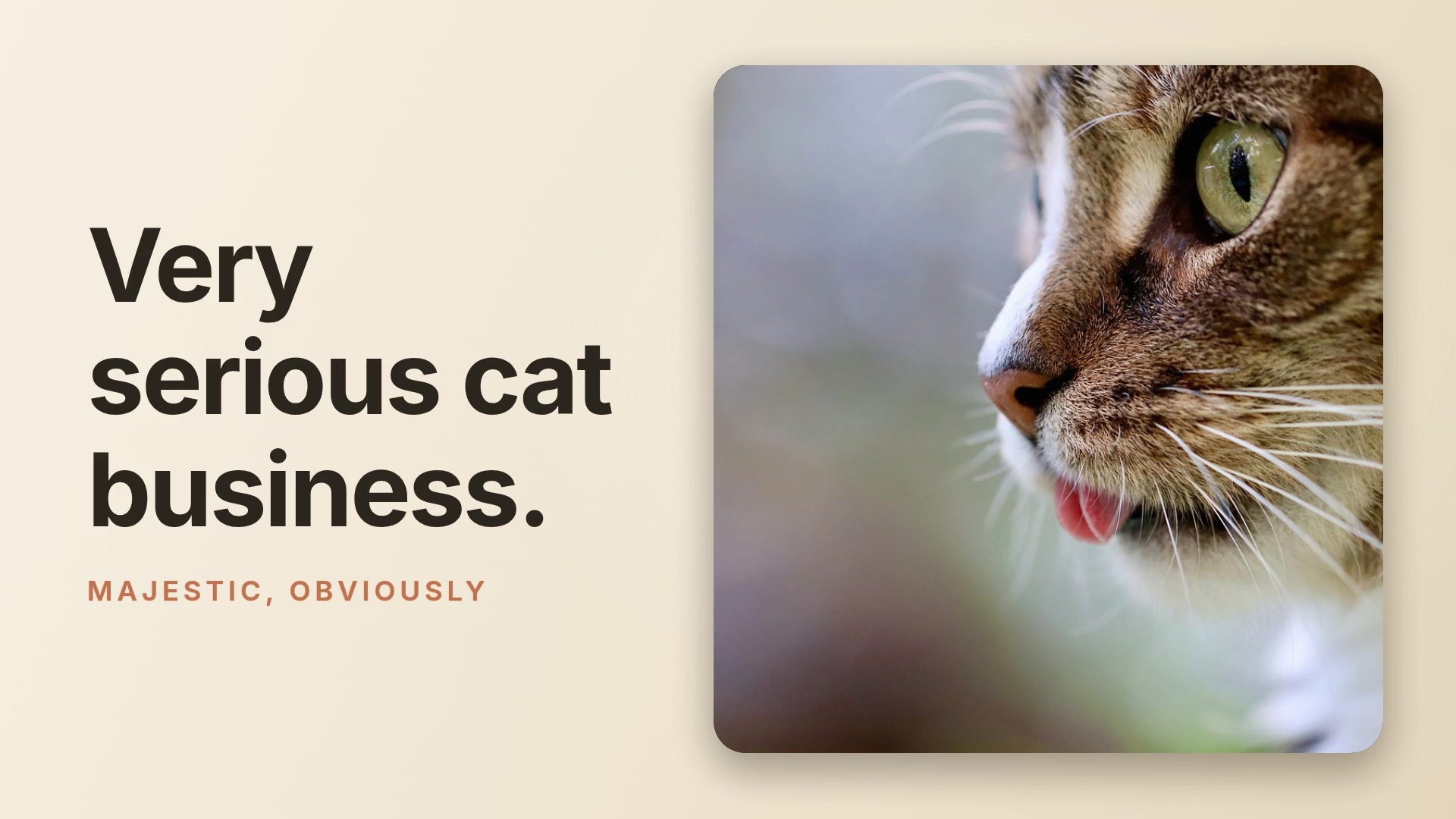
A playful storytelling video built around a cat-focused narrative for short-form social sharing.
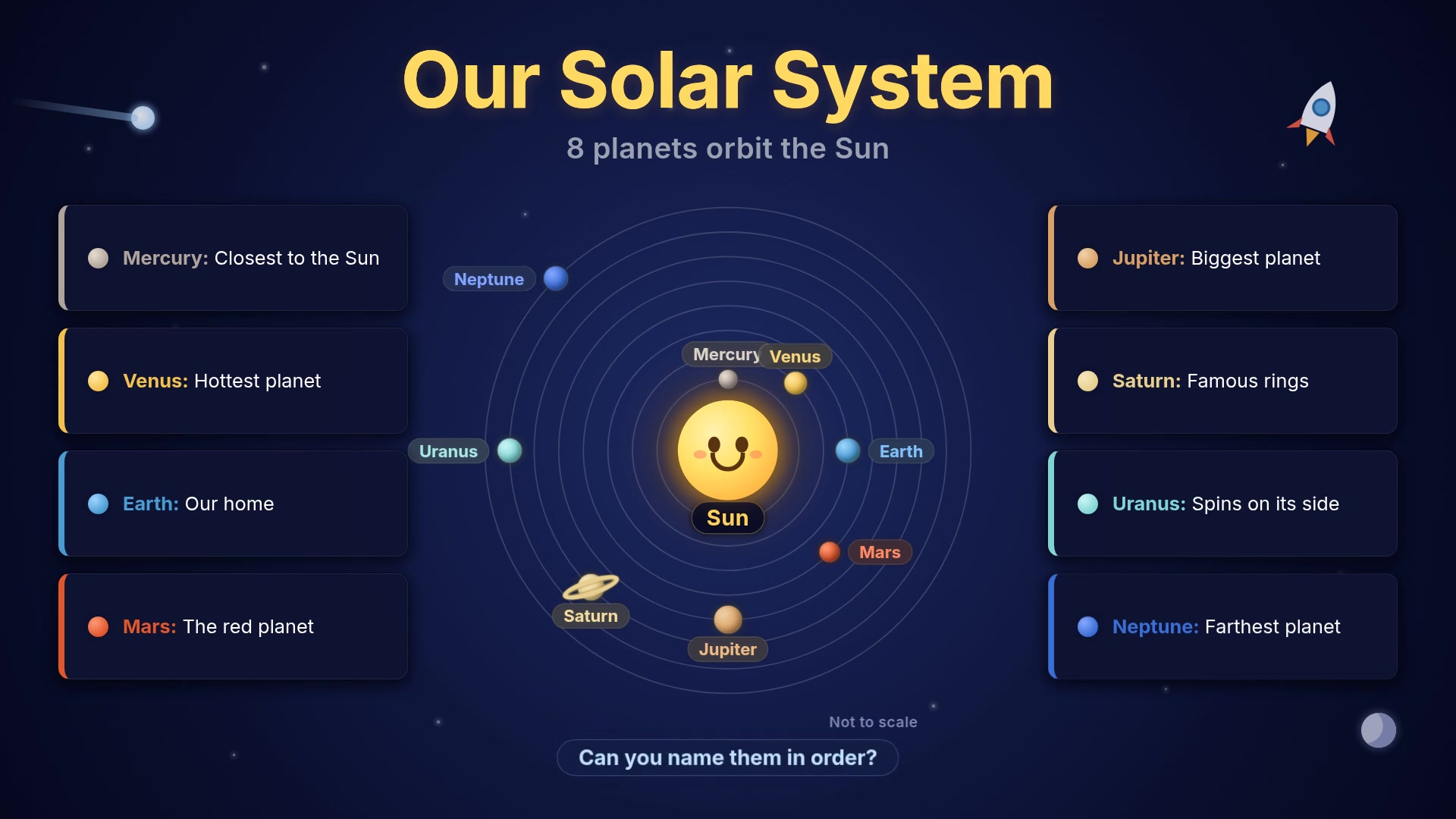
A kid-friendly solar system infographic designed to make planets, orbits, and quick facts easy to understand.
A polished educational infographic designed for classroom-friendly explanations and student success tips.
A launch-ready promo for introducing an app, highlighting the product story, key value, and social-ready motion.
A polished ecommerce ad for product launches, seasonal promos, and social campaigns.
Browse polished starting points for motion graphics, social visuals, explainers, and product-style videos, then customize every detail in Graphixy.
AI assistance, templates, media tools, manual editing, project tools, and export in one browser-based workspace.
Give Graphixy a topic and it can research the facts, find relevant images, and turn the information into animated scenes. Create videos about sports, news, history, markets, education, trends, and more without gathering every source yourself.
Give Graphixy a topic and it can research the facts, find relevant images, and turn the information into animated scenes. Create videos about sports, news, history, markets, education, trends, and more without gathering every source yourself.